Care details close at hand.
Keep allergies, care notes, family contacts, pickup permissions, and weekly schedules with the student record.
Daycare & education
From first application to the daily roster.
Bring enrollment, family information, agreements, and tuition together. Guide each family through the steps and keep your team’s next action clear.
Free to start. One account for your businesses.
Inside EverydayTerms
A connected workspace for enrollment, care information, communication, and finances.
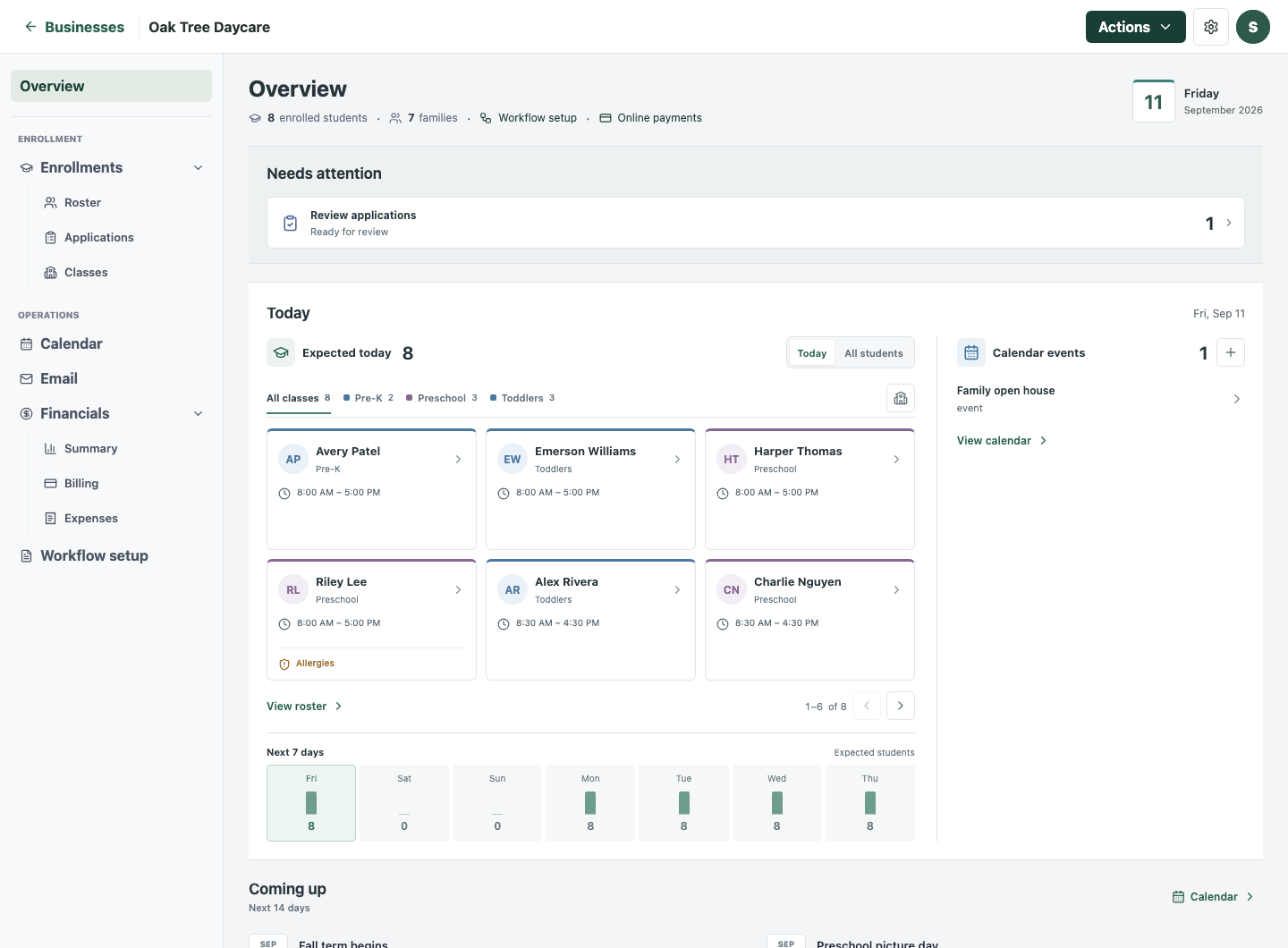
See who’s expected, which class they attend, and which records need attention. Move from the daily overview to the student’s details.
 Enlarge
Actual EverydayTerms screens · Fictional demo records
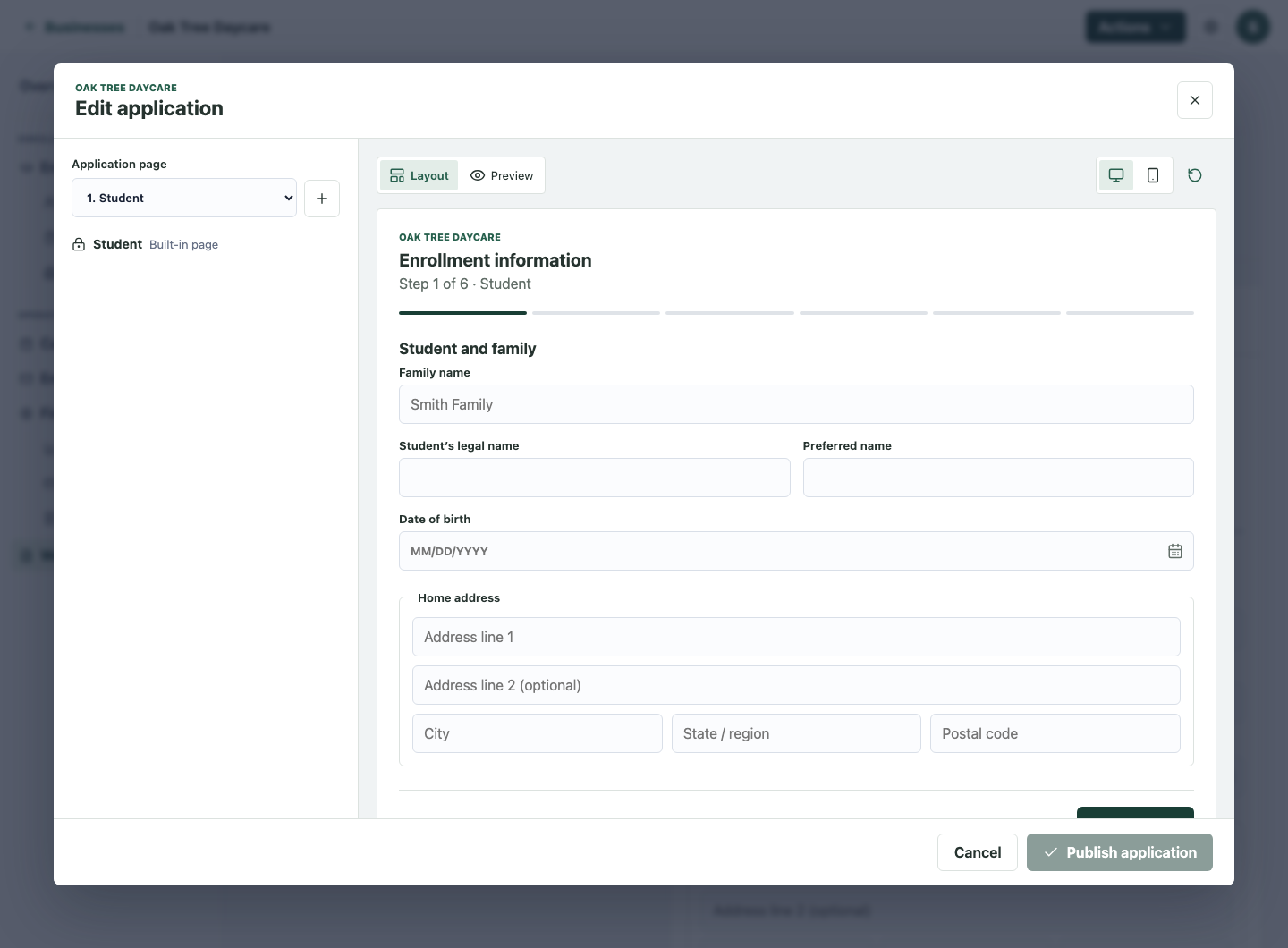
Keep the essentials for student details, contacts, schedules, and care needs. Add your questions, arrange the pages, and preview the form families will complete.
 Enlarge
Actual EverydayTerms screens · Fictional demo records
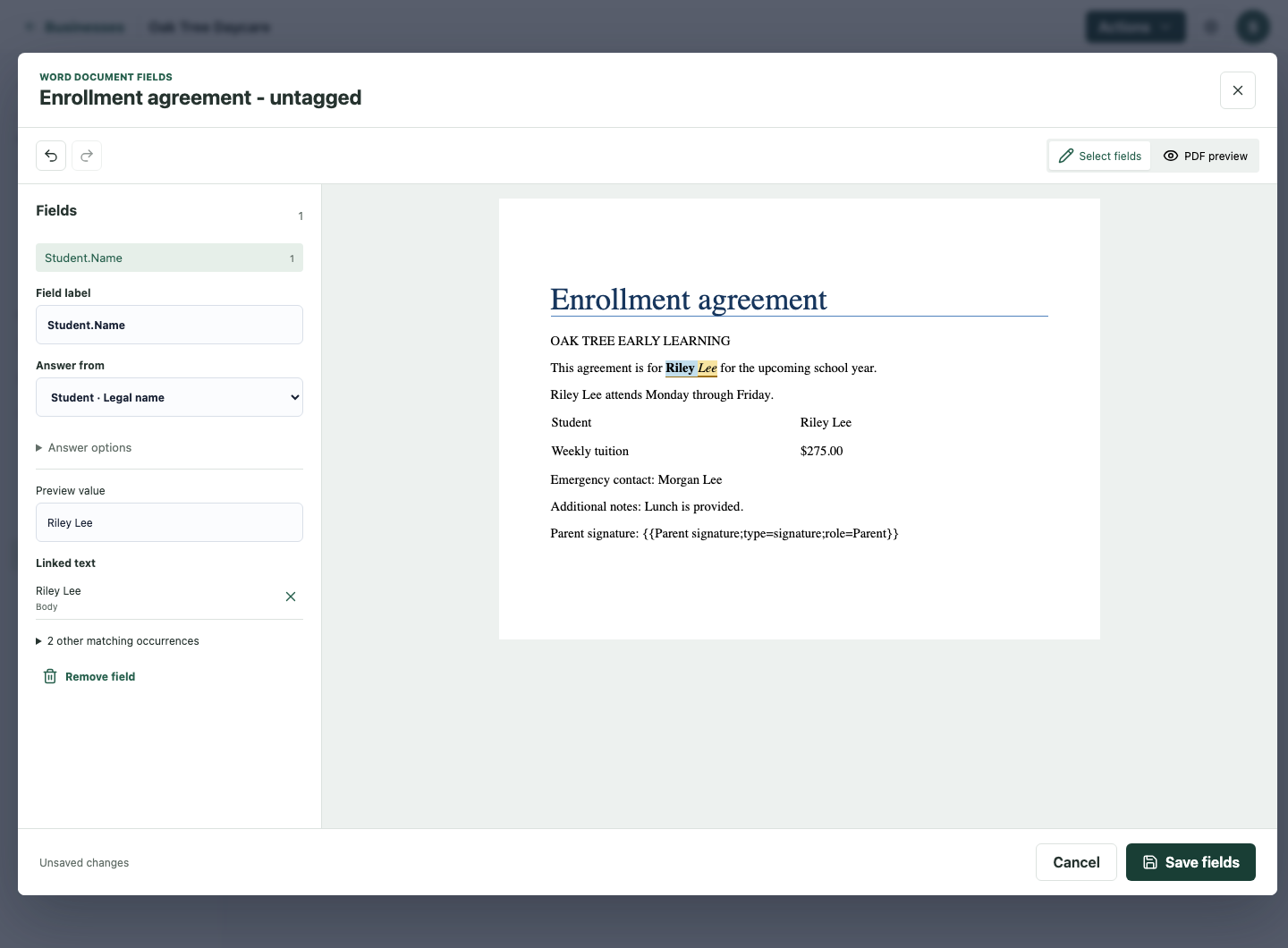
Upload a Word document, highlight the text that changes, and connect it to saved information. EverydayTerms substitutes the right details when you prepare the next agreement.
 Enlarge
Actual EverydayTerms screens · Fictional demo records
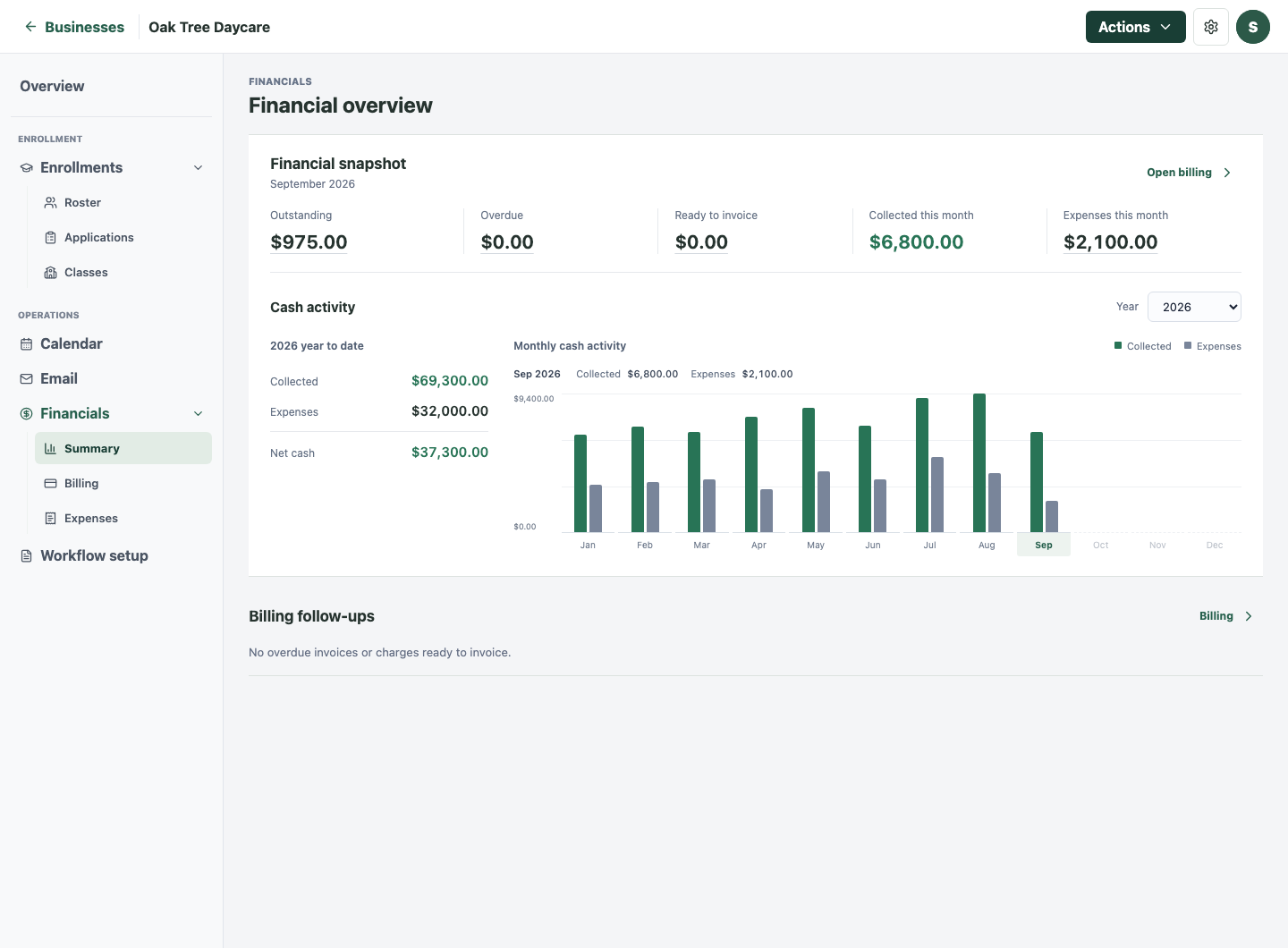
Follow recurring tuition, invoices, payments, and expenses from the same workspace. Upload receipts in batches and review the records behind your totals.
 Enlarge
Actual EverydayTerms screens · Fictional demo records
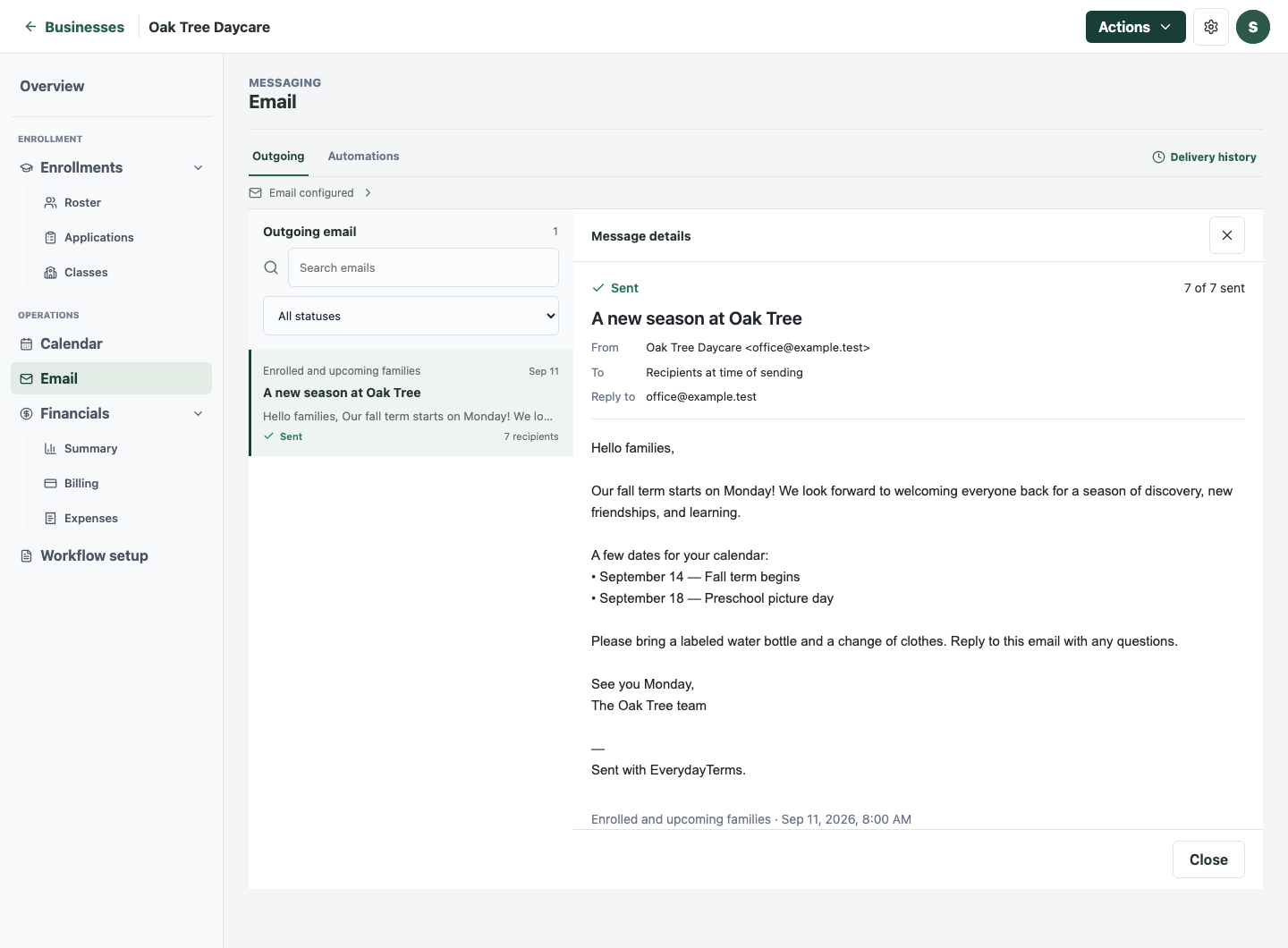
Choose a class group or individual contacts. Preview your email, send it now or schedule it with Basic, and check delivery history.
 Enlarge
Actual EverydayTerms screens · Fictional demo records
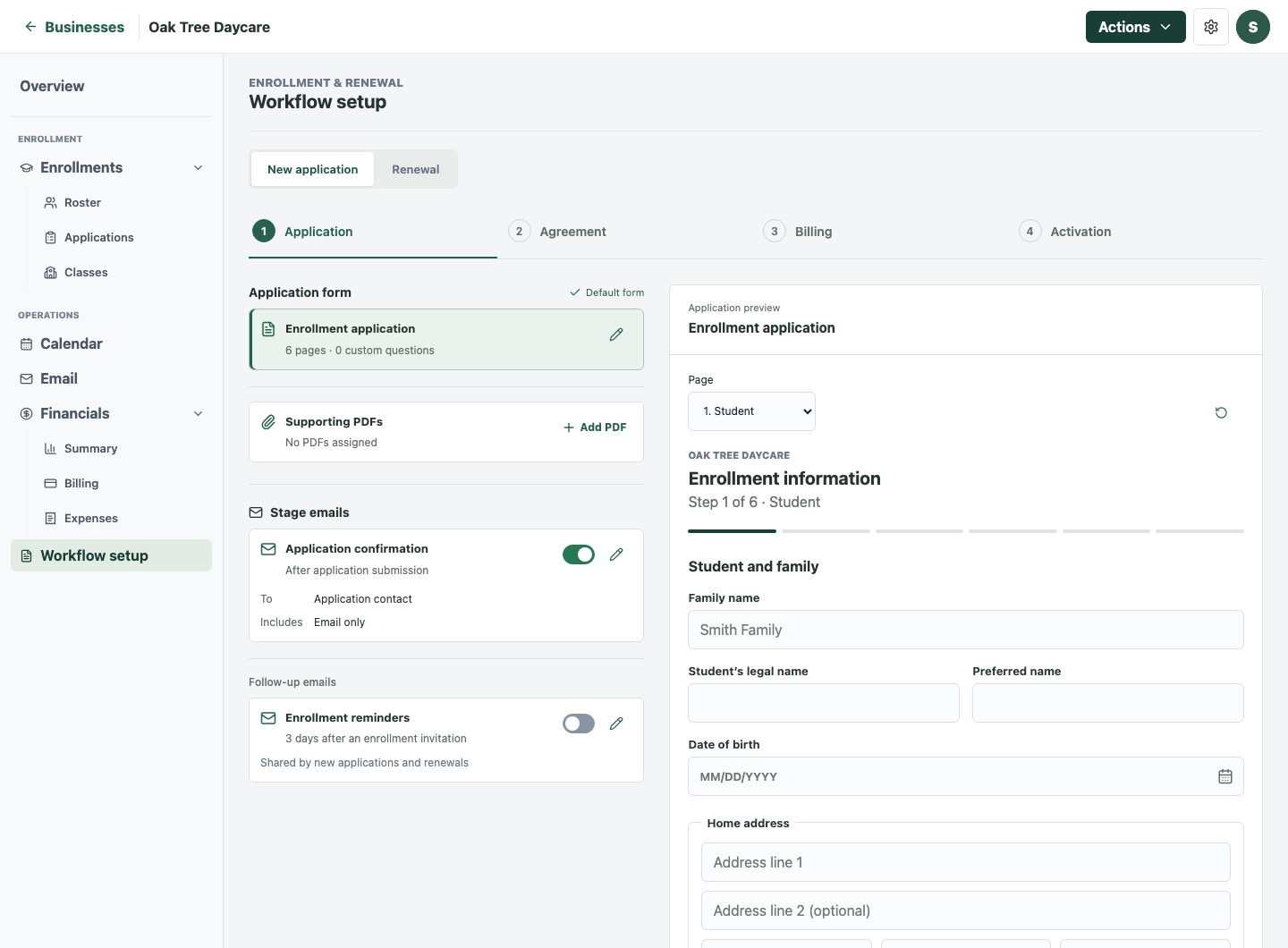
Configure applications, agreements, billing, and activation in sequence. Select a form or email to see its preview beside the settings.
 Enlarge
Actual EverydayTerms screens · Fictional demo records
Guided from the start
Start with business-specific defaults. Set your requirements, preview the result, and publish when you’re ready.
Customize what you collect. Enter the details yourself or invite families to apply online with Basic.
Connect your document fields to saved information, collect missing answers, and review before signing.
Set up tuition, charges, and payment records. Add automated invoice workflows with Basic.
Review the requirements and start the enrollment. Keep the details together for the next renewal.
Built for the everyday work
Keep the details close to the task that needs them.
Keep allergies, care notes, family contacts, pickup permissions, and weekly schedules with the student record.
Add questions and pages, reorder fields, and adjust their layout. Preview the family’s experience before publishing changes.
Highlight changing text in your Word document and link it to saved data. Prefill known details and collect what’s missing before review.
Send class updates and individual emails. Add stage confirmations, scheduled emails, and reminders with Basic.
Upload receipt images or PDFs in batches. Review editable expense drafts, with AI extraction available on Basic.
Carry saved details into the next enrollment cycle. Review the new terms before activating the renewal.
Before you get started
Yes. Basic includes online applications. Families follow a link to complete the form without creating an EverydayTerms account. You review their submission before completing enrollment. Free includes staff-entered applications.
Yes. Upload a Word document and highlight the text to replace with saved information or collected answers. You can also use static or fillable PDFs, prepare signature fields, and review the document before sending it. Electronic signing is powered by DocuSeal.
Yes. Record an existing active or ended enrollment through a guided entry flow. Automatic emails and recurring billing are off for those records until you explicitly enable the appropriate automations.
Add a rental business to the same account. It uses the same navigation and workflow stages, with tenant, property, and lease records in place of student and family records. Your account plan covers both.
Staff-entered applications, records, agreement preparation, manual emails, and payment records are included. Basic adds online intake, automated emails and billing, and AI receipt extraction. Both plans have usage limits; check Account plan in the app for your usage and allowances.
Daycare. Rentals. One familiar workspace.